Expert-Led Training That
Actually Gets Used
Give your enterprise teams live access to expert trainers, and finally close the gap between software investment and real adoption.








See the magic in action
Our live trainers don't just talk, they engage. Watch how a typical session brings teams together through real-time interaction.
Your software costs a fortune.
Your team still isn't using it.
Enterprise software licensing is a massive investment, yet 67% of features go completely unused. Generic e-learning platforms haven't solved the problem because they lack the accountability and real-time feedback that only a live expert can provide.
See how we fix thisLow adoption rates
Software sits unused because teams don't know how to integrate it into their daily workflows.
Hard to justify training budgets
Generic e-learning libraries show high "enrollment" but zero measurable skill growth.
Learners skip recorded content
Without live interaction, employees prioritize emails over passive video watching.
Live Training Courses Your
Team Will Actually Attend
Interactive, expert-led sessions designed to fit into a busy workday. No pre-recorded fluff, just real skills.
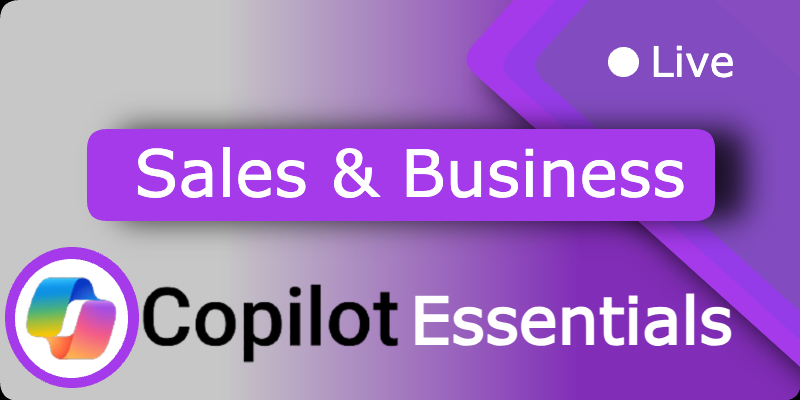
Copilot Essentials for Sales and Business Development
Copilot Essentials for Sales & Business Development Save time, increase deal momentum, and reduce sales administration. Duration 30 minutes
Copilot Essentials for People Managers
Copilot Essentials for People Managers Support your team, reduce admin, and improve consistency in people management. Duration 30 minutes
Copilot Essentials for Project Management
Copilot Essentials for Project Managers Reduce admin, improve visibility, and keep projects moving with Copilot. Duration 30 minutes
Upcoming live sessions
Expert learning, built for busy teams
Choose Your Course
Browse live courses across Google, Microsoft, AI tools, and more, all designed for enterprise teams.
Join Your Expert Trainer
1–2 hour live sessions with real-time Q&A, hands-on practice, and expert guidance.
Measure Real Impact
Track adoption rates and ROI with built-in reporting dashboards for your leadership team.
Trusted by leading organisations
From government departments to fast-growth tech companies
Measurable results for
enterprise teams

NIHR: What does world-class live learning really cost?
Three years inside the NIHR learning programme and the per-active-learner economics that changed the conversation. Unlimited live, instructor-led training at £6.63 per active learner, per month: a fraction of what LinkedIn Learning, Coursera or Udemy Business charge.

200 Mailboxes M365 to Google in 4 weeks
We Helped GoCardless Rock Their Google Workspace Migration (Done in Just 4 Weeks!)
What's your software adoption gap costing you?
Adjust the sliders to see your organisation's real adoption gap cost — and how LiveLearning pays for itself.
Your organisation
Your results
Calculations based on Forrester Total Economic Impact™ studies for Microsoft 365 (productivity benchmarks), Gartner SaaS spend research (licence waste), and industry helpdesk averages. LiveLearning Growth plan pricing shown with annual volume discounts applied; contact us for an accurate quote.